{{toast.message}}
Push notifications for people and automations
Just push notifications.
Send push notifications to your entire audience to share updates, or send private push notifications to yourself using automated scripts or AI agents. It's 100% free for everyone!
Get started Already got an account? Log in
How it works
- Claim a usernameYour username is your own notification channel.
-
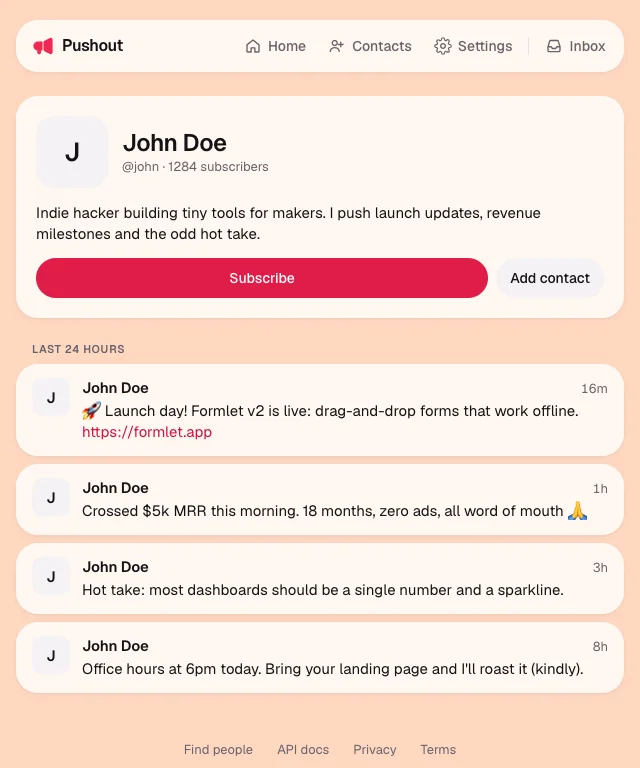
Share your profileSend your profile link, like
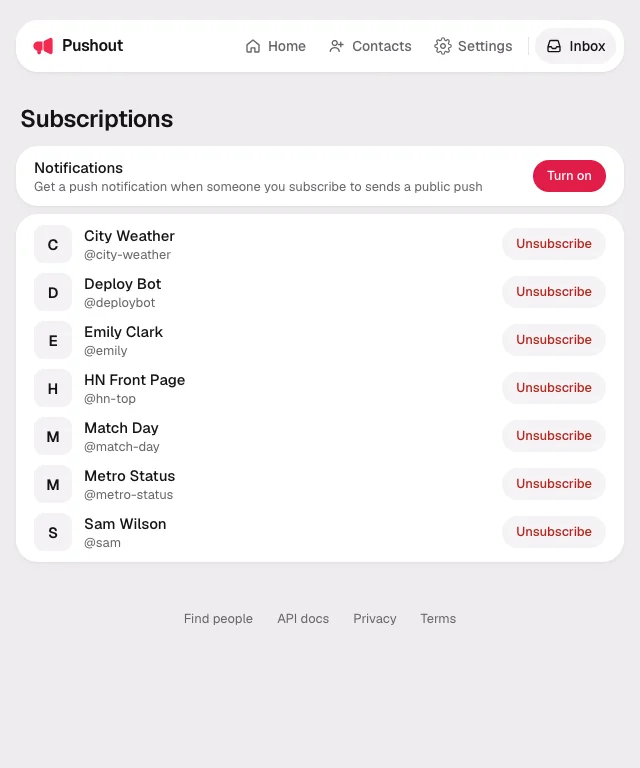
pushout.app/@yourname, to the people you want to reach. - People subscribeOne click on Subscribe and they're in, with no account or app needed. It works in every modern browser. Note: On iPhone and iPad, add Pushout to the Home Screen first to get notifications.
- Start sendingEvery push you send reaches all your subscribers as a notification.
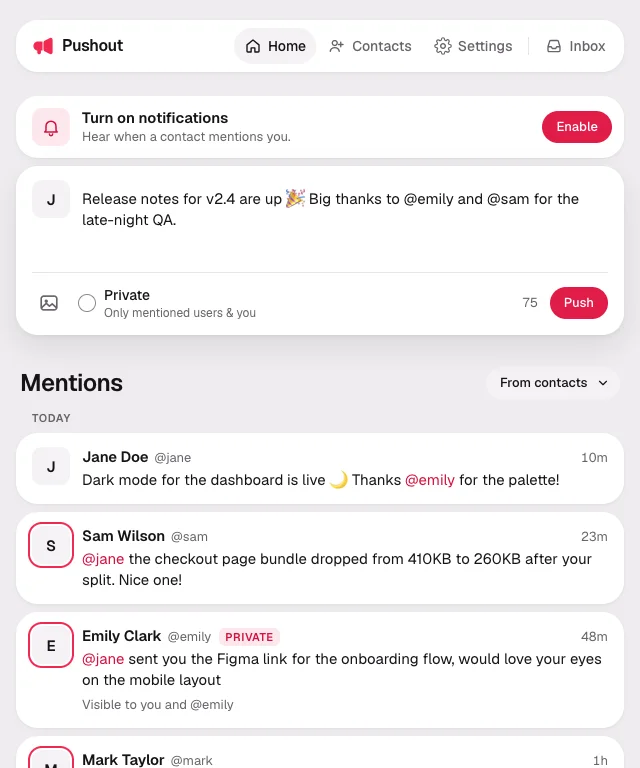
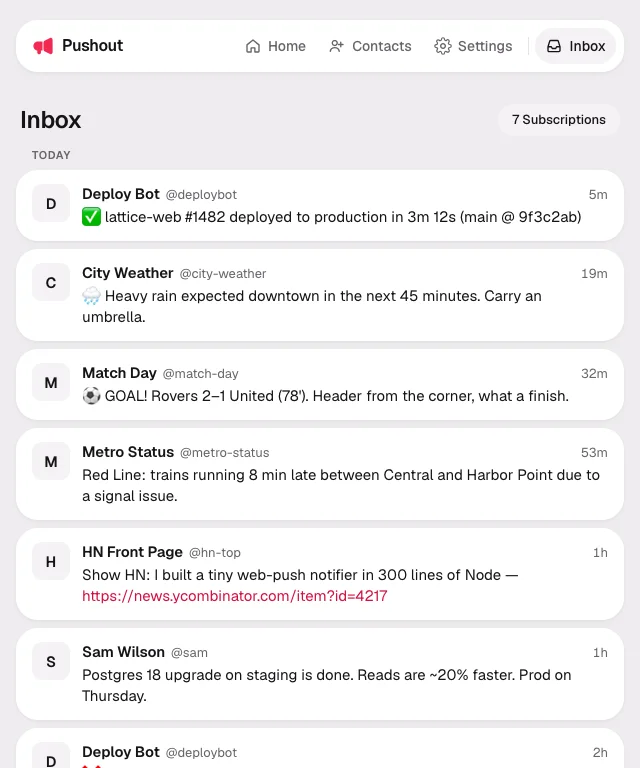
Pushes are public by default and also land in each subscriber's inbox. Send a private push instead and only you and the people you @mention can see it. Every push disappears after 24 hours.
Want alerts from your scripts or AI agents? Create an API key and send a private push with a single request. See the API docs.
A quick look